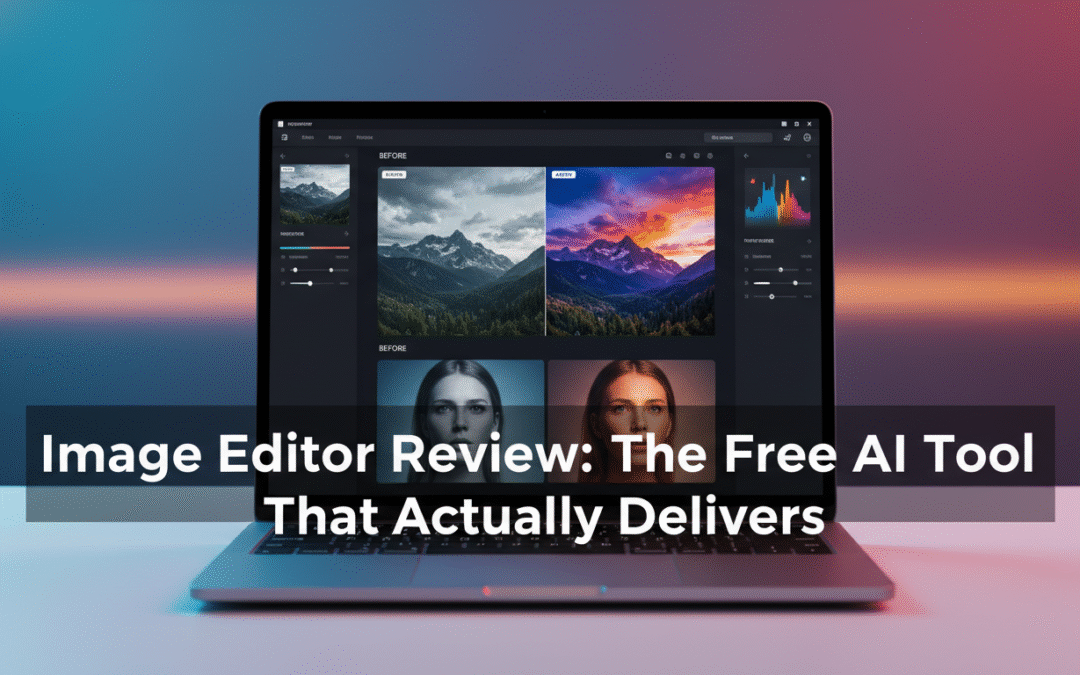
Image Editor Review: The Free AI Photo Editor That Actually Delivers
Meta
- Keywords: AI image editor, free AI photo editor, remove background AI, style transfer AI, online image editor
- Slug: ai-image-editor-online-review
- Meta description: Image Editor is a free, browser-based AI photo editor with background removal, pose changes, style transfer, and high‑res downloads. Here’s a hands-on review, features, and who it’s best for.
Introduction: Why This Tool Stood Out
If you’ve ever opened a pro editor for a “simple” fix—remove a background, brighten a product photo, tweak a portrait—and lost 30 minutes to menus, Image Editor is a breath of fresh air. It turns plain-language prompts into polished edits in seconds, with zero learning curve. In testing, I found it fast, clean, and surprisingly flexible—especially for a free, browser-based tool.
Who It’s For
- Content creators and social media marketers who need fast, on-brand visuals without a designer.
- E‑commerce sellers who want consistent, clean product photos with background removal and lighting improvements.
- Educators and bloggers who need diagrams, thumbnails, headers, and simple graphic enhancements.
- Non‑designers who want professional-looking results from natural‑language prompts instead of complex tools.
Key Features I Loved
- Natural-language editing: Describe the change and the AI executes—no layers, masks, or plugins.
- Multiple AI models in one place: Nano Banana, FLUX Kontext Pro, Seedream 4.0, Ideogram 3.0, Qwen‑Image‑Edit, plus GPT‑assisted styles.
- Continuous editing workflow: Iterate in one interface until you’re happy; no app-hopping.
- Core tools that matter:
- Background and object removal
- Pose and hair adjustments
- Clothing changes and “AI clothes”
- Beauty/portrait retouch
- Weather/lighting changes and “realistic conversion”
- Style transfer and creative filters
- Templates and presets: Hundreds of ready-made prompts and styles for one-click results.
- Output control: Aspect ratios (1:1, 4:3, 3:4, 16:9, 9:16, Auto) and 1K/2K/4K high-res downloads.
- Variations and batching: Generate 1–4 versions; supports merging multiple images.
- Free to use, no sign-up for core features.
Hands-On: My Editing Workflow
- Step 1: Choose a model based on the task.
- Nano Banana for clarity, detail enhancement, and clean masks.
- FLUX Kontext Pro or Seedream 4.0 for creative styling and mood.
- Qwen‑Image‑Edit for targeted local edits; Ideogram for stylistic text-centric visuals.
- Step 2: Upload your image (jpg/jpeg/png/webp; up to 16MB) and pick a preset prompt or type your own.
- Step 3: Generate, preview 1–4 variations, refine with another prompt, and export at the resolution you need.
Example scenarios:
- E‑commerce: “Remove background to pure white, increase brightness by 10%, add soft shadow, 4K export.” Output was crisp and consistent across a batch.
- Social: “Apply cinematic teal‑orange grade, 16:9 composition.” It produced a punchy, platform-ready header in one pass.
- Portrait: “Subtle skin retouch, soften highlights, adjust hairstyle slightly, realistic finish.” Edits looked natural, not plastic.
Results and Performance
- Speed: Most edits took seconds to under a minute, even at high resolution.
- Quality: Background removal was convincing around hair and complex edges. Style transfer preserved subject integrity better than many single-model tools.
- Reliability: Variation generation helps you zero in on the exact look; continuous editing makes fine-tuning painless.
What Makes It Different
- Truly “zero learning curve” thanks to natural language plus preset prompts and styles.
- A multi-model hub: Instead of bouncing between apps, you get best-in-class models housed under one interface.
- Continuous, end-to-end workflow: Upload → prompt → iterate → export—in one place.
- Free high-resolution downloads: Rare at this quality level for a browser-based editor.
Pricing and Access
- Core features are free, including high‑quality downloads.
- 100% browser-based—no installation or sign-up required for the basics.
- Note: As per the site’s FAQ, some advanced features or higher-res options may have limits in the free tier, but the free functionality is generous for most social, blog, and learning projects.
Best Use Cases and Templates to Try
- Social media content: 9:16 for Stories/Reels, 1:1 for feeds; try the cinematic and pastel presets.
- Product images: Background removal + lighting enhancement + consistent style filter for a cohesive catalog.
- Blog headers and YouTube thumbnails: 16:9 with bold, high-contrast styles and clean subject separation.
- Educational visuals: Enhance diagrams, apply clean styles for slides and handouts.
Tips for Best Results
- Start with a preset prompt, then add specifics (lighting, mood, texture, environment) to guide the model.
- Choose the aspect ratio based on your platform and finalize crops early.
- Generate 2–4 variations and iterate on the best one to save time.
- Match the model to the mission: Nano Banana for detail, FLUX/Seedream for artistic flair.
- Feed it quality: Well-lit, higher-resolution source images yield markedly better outputs.
Pros and Cons
- Pros
- Fast, intuitive, and free for core needs
- Strong model lineup with hundreds of presets
- High-resolution exports and multi-image merge
- Excellent for non-designers and rapid production
- Cons
- Precision relies on prompt clarity; may take a couple of iterations for niche requests
- Free tier may limit some advanced controls or resolutions depending on usage
How It Compares
- Versus traditional editors (Photoshop, GIMP): Far faster for common tasks with minimal learning curve; less granular control for pixel-perfect retouching.
- Versus single-model AI tools: More flexible and reliable because you can switch models for different goals without leaving the app.
- Versus mobile-only apps: Desktop browser convenience, higher-res exports, and a more robust workflow for content creation.
FAQs (Based on Site Info)
- Is it free? Yes—core features and high-quality downloads are free.
- Does it support style transfer and object removal? Yes, with presets and custom prompts.
- Is it good for product photos? Absolutely—background removal and style consistency are strong.
- Do I need to install anything? No, it runs fully in the browser.
- Can I merge multiple images? Yes, it supports multi-image composites.
Verdict
Image Editor nails the balance of power and simplicity. It’s fast, free for core usage, and packs a versatile model lineup that handles everything from clean product shots to creative style transfers. For creators, marketers, educators, and anyone who wants strong results without a learning curve, this is an easy bookmark—and, for many workflows, a go-to replacement for complex, heavyweight tools.
Resources
- Try the tool: Image Editor
- Follow updates: @imageeditorai on X
- Help and policies: Privacy, Terms, and Help Center in the site footer